Key Takeaways
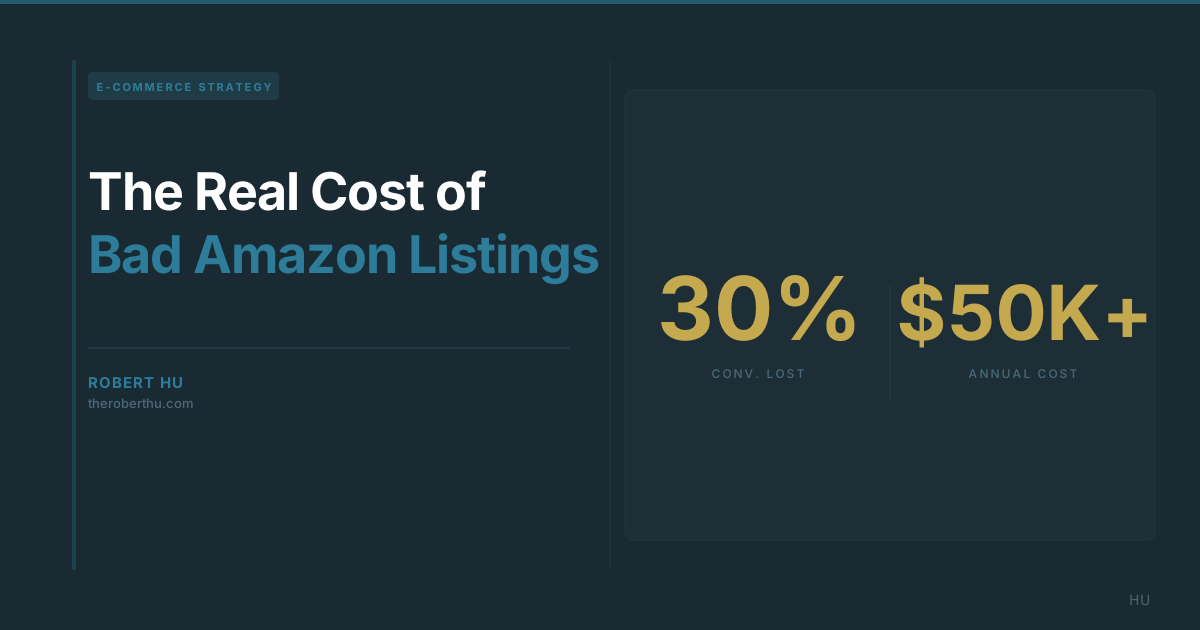
- A listing converting at 8% instead of 15% on 10,000 monthly sessions costs you $24,500/month in lost revenue, from the same traffic you are already paying for.
- Five signs your listings are underperforming: conversion below category average, add-to-cart without purchase, clicks without conversions, flat revenue with strong rank, rising ad spend to maintain organic.
- Most sellers audit titles and bullets. A proper audit covers 10 dimensions, and most listings have 8-12 actionable improvements waiting.
Most Amazon sellers focus on the wrong problem. They obsess over traffic: more ads, better keywords, higher bids. But the bigger leak is what happens after someone lands on a listing. A bad listing is not an advertising problem. No amount of ad spend fixes a content problem.
After auditing hundreds of listings across categories, the pattern is consistent: sellers with traffic but flat revenue almost always have listings that are losing the conversion. The revenue is there. The content is letting it walk away.
What Does Conversion Rate Actually Mean in Dollars?
On 10,000 monthly sessions with a $35 average order value: at an 8% conversion rate, that listing generates $28,000 per month. At 15%, the same traffic generates $52,500 per month. The difference is $24,500 per month, or $294,000 per year, from the same number of sessions.
Even a more modest improvement tells the same story. Moving from 8% to 11% on that same listing recovers $10,500 per month, or $126,000 annually, without buying a single additional click.
Conversion rate is not a line item in your ad dashboard. It lives in Seller Central business reports and gets ignored while everyone argues about ACoS. But it is the multiplier on every dollar of traffic spend. Fix it first, then scale traffic. Scaling traffic into a broken listing just burns more money faster.
The benchmark to know: a healthy conversion rate in most Amazon categories runs between 10% and 15%. If your listing is converting below 8%, your content is doing real damage regardless of how strong your other numbers look.
Newsletter
Follow the research
Research notes and analysis on how AI, digital transformation, product discovery, and customer behavior are changing commerce.
Subscribe to Hu's Weekly Hoot5 Signs Your Listings Are Underperforming
1. Your conversion rate is below category average
This is the clearest signal. Pull your conversion rate from Seller Central business reports (Units Ordered / Sessions) and compare it to your category benchmark. If you are below average in a competitive category, the listing is the problem, not the demand. Category averages vary: consumables and impulse purchases run higher, considered purchases and high-ticket items run lower. But if you are more than 3-4 percentage points below your category norm, your content is actively pushing buyers to a competitor.
2. Your add-to-cart rate is decent but your purchase rate is not
When buyers add to cart but do not complete the purchase at a higher-than-average rate, they are experiencing something at the listing stage that creates hesitation. Common culprits: ambiguous sizing or compatibility information, a price point that looks high without sufficient value context, unclear return policies, or a listing that does not address the primary objection in the category. This is a content problem that shows up as a cart abandonment metric.
3. Your main image gets clicks but the listing does not convert
If your click-through rate from search results is strong but conversion on the listing page is weak, your main image is doing its job and your listing is failing. The main image creates the interest. The listing is supposed to close the sale. When there is a gap between clicks and conversions, it almost always means the listing is not delivering on what the main image promised, or is failing to address the buyer's next set of questions after they clicked.
4. Your organic ranking is solid but revenue has plateaued
Strong organic rank means the algorithm has recognized your relevance. Flat revenue with strong rank means buyers are finding you and leaving. This is the most expensive form of listing underperformance because you have already earned the visibility and you are not capturing it. The algorithm eventually notices too: declining conversion relative to category peers will erode that rank over time, compounding the problem.
5. Your ad spend is high relative to organic revenue
If paid traffic is doing a disproportionate share of the work to sustain your sales velocity, it is often because your organic conversion rate is too low to sustain momentum without that paid support. A listing that converts well organically builds its own momentum. Paid traffic should accelerate a listing that already works, not prop up one that does not.
Common Mistakes I See After Auditing Hundreds of Listings
Leading with specs instead of outcomes in bullet points. Sellers write bullets like product data sheets: dimensions, materials, certifications. Buyers read bullets to answer the question "will this work for me?" Spec-first bullets make them do extra interpretive work. Outcome-first bullets answer the question directly. The rewrite is usually simple: instead of "Made with 18/8 stainless steel," write "Will not rust, chip, or retain flavor after years of daily use."
Main images that do not show the product in real use. A white-background hero shot is required by Amazon, but it is not a conversion tool on its own. The secondary images are where buyers make the decision. Sellers who treat secondary images as a photo gallery are skipping the most important conversion real estate in the listing. Secondary images should show the product in use, address size/scale questions, and preemptively answer objections.
An empty or neglected Q&A section. Buyers who read Q&A are close to a purchase decision; they have a specific question blocking them. An empty Q&A section tells that buyer nothing. Seed your Q&A with the 8-10 most common pre-purchase questions and answer each thoroughly. It also feeds directly into Amazon Rufus recommendations, which now handle more than 13% of all Amazon searches.
A+ content that looks good but says little. Many brands treat A+ as a brand awareness exercise: beautiful lifestyle photography, short punchy taglines, minimal actual information. A+ content should answer the buyer's remaining questions after they have read the bullets. Comparison modules, feature callouts with meaningful detail, and use-case specificity all convert better than aspirational imagery with three-word headlines.
Pricing that looks high without context. Most sellers respond to a conversion dip by discounting. The better response is to build value context in the listing so the price feels justified. Listing changes that communicate quality, longevity, or total cost of ownership often recover conversion without touching the price.
What a Proper Listing Audit Covers (Versus What Most Sellers Check)
Most sellers who "audit" their own listings check the title and bullets. A few check the main image. That covers maybe 20% of what actually drives conversion.
What most sellers check: title keyword relevance, bullet point content, main image compliance.
What a proper audit covers:
- Title structure, keyword relevance, and readability for both search and AI recommendation systems
- Bullet hierarchy: whether the first bullet leads with the most important conversion argument, not the most obvious feature
- All seven image slots: compliance, quality, use-case coverage, objection handling, and size/scale clarity
- A+ content: information density, module selection, comparison chart usage, and text-to-visual ratio
- Q&A section: coverage of actual pre-purchase questions, quality of existing answers, and gaps versus competitor Q&A
- Review analysis: the top objections and conversion blockers appearing in 3-star and 4-star reviews, which are the most actionable review tier for listing improvements
- Backend search terms: unused capacity, redundancy, and missed long-tail opportunities
- Category and browse node accuracy: misclassified listings miss category-level discovery traffic
- Pricing relative to category norms and perceived value signals
- Conversion rate benchmarked against category averages, not just absolute numbers
Running this full audit on a single listing typically surfaces 8-12 specific, actionable improvements. Most listings have two or three that are doing most of the conversion damage.
Before and After: What Optimization Actually Looks Like
This is the type of bullet point rewrite that shows up in nearly every audit. The category here is kitchen storage containers, but the pattern applies across categories.
Before vs. After
Before (spec-first):
AIRTIGHT SEAL TECHNOLOGY: Features our patented 4-lock locking system with silicone gasket for maximum freshness. BPA-free, food-safe materials. Available in multiple sizes.
After (outcome-first):
Keeps flour, sugar, and coffee fresh for months without clumping or going stale, thanks to a silicone-sealed 4-lock lid that holds an airtight seal even when the container is stored on its side. BPA-free and dishwasher-safe.
The "before" version names the technology and lists compliance specs. The "after" version answers the buyer's actual question: "Will my flour still be good in three months?" It includes a specific use case, addresses a common scenario, and keeps the compliance information without leading with it.
This single bullet rewrite, applied across five bullet points in a listing, typically moves conversion rate measurably within 2-3 weeks. The traffic is identical. The revenue is not.
Where to Start
Start with one metric: pull your conversion rate from Seller Central business reports and compare it to your category benchmark. If you are more than a few points below average on a listing with meaningful traffic, you have found where revenue is leaking.
From there, check your secondary images and your Q&A section. These two elements are the most commonly neglected and the most quickly improved. If those look thin, the rest of the listing almost certainly has gaps too.
The math is clear. The traffic is already there. The question is how much of it you are converting.